 8–10 節8–10 sessions
9+ 歲Ages 9+
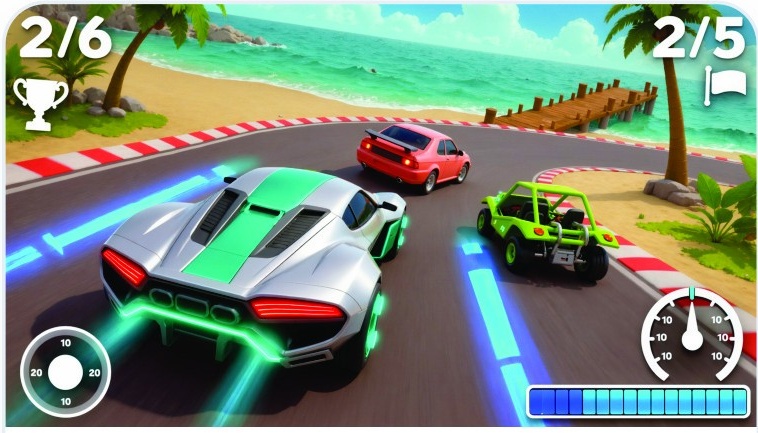
AI 遊戲設計工作坊賽車篇AI Game Design WorkshopRacing Edition
設計賽道、賽車、加速道具和比賽模式,製作可單人或雙人遊玩的賽車遊戲。Design tracks, cars, boosts and race modes, then use AI to build a racing game for one or two players.
探索課程Explore course
從日常問題出發,了解使用者需要,規劃簡單的工具,並運用 AI 建構、測試和改進可實際使用的版本。Start with an everyday problem, understand user needs and plan a simple tool, then use AI to build, test and improve a working version.
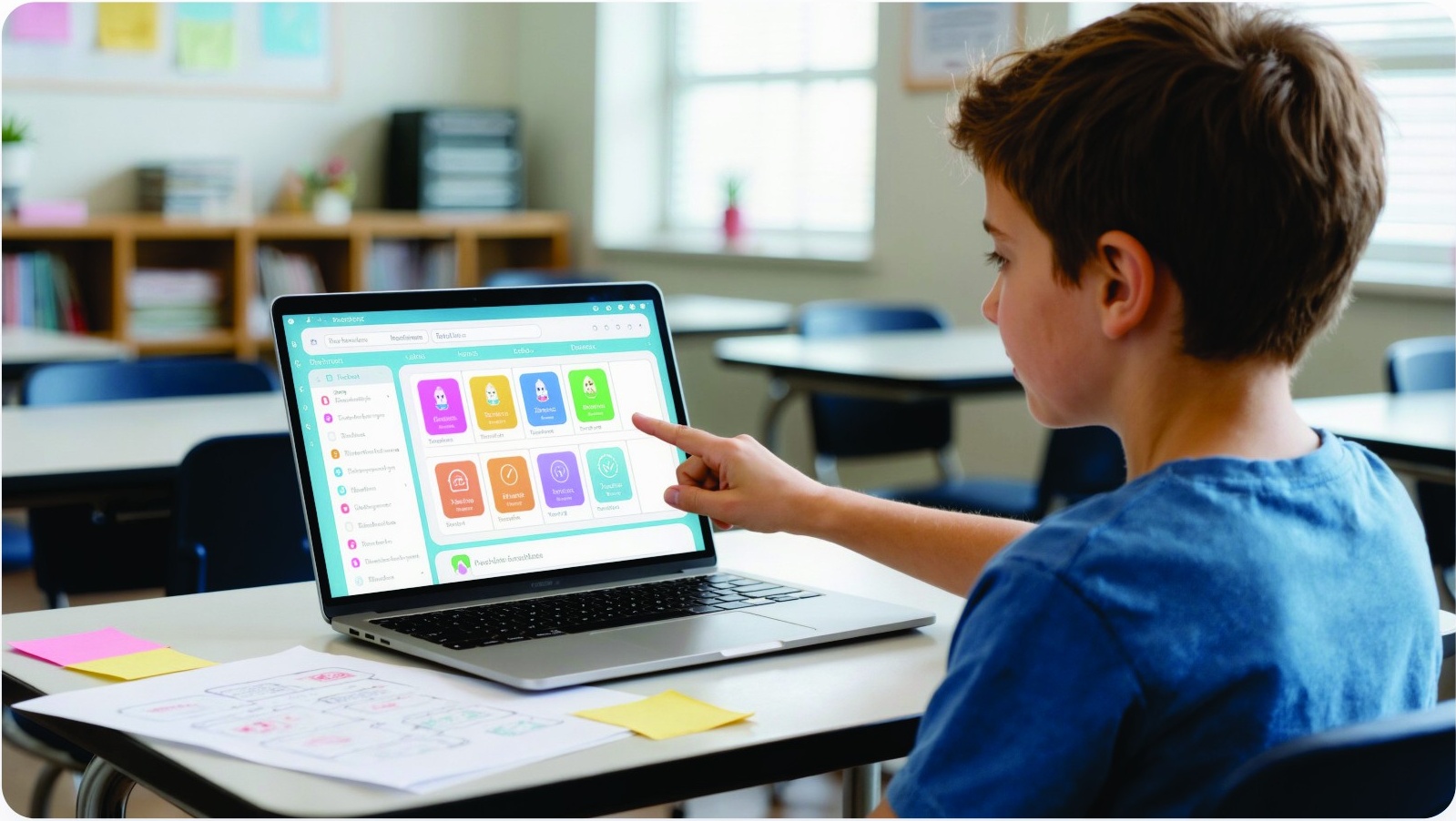
10 歲以上、喜歡創作的孩子。無需編程、美術或設計經驗;已有編程經驗的學生同樣歡迎,可把作品做得更深入。Children aged 10+ who enjoy creating. No coding, art or design experience is needed; students who already code are welcome to develop their projects further.
課程結束時,學生會展示及分享自己的作品。Students present and share their work at the end of the course.
選擇一個日常問題,找出誰需要這個工具。Choose an everyday problem and who the tool will help.
畫出操作流程,選定主要功能。Sketch the user flow and choose the main features.
運用 AI 建立可供測試的第一個版本。Build a testable first version with AI.
測試功能、修正問題,並示範工具用法。Test features, fix problems and demonstrate the tool.
每位學生的作品都獨一無二;以下示意圖展示可創作的作品類型。Every project is unique. This image illustrates the type of work students can create.
8–10 節8–10 sessions設計賽道、賽車、加速道具和比賽模式,製作可單人或雙人遊玩的賽車遊戲。Design tracks, cars, boosts and race modes, then use AI to build a racing game for one or two players.
探索課程Explore course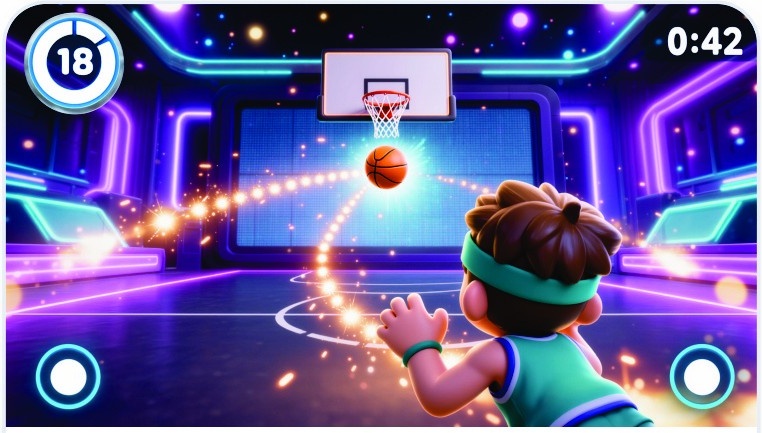 8–10 節8–10 sessions
設計球場、籃框、挑戰和勝負規則,再運用 AI 製作可供一至兩人玩的街機籃球遊戲。Design the court, hoops, challenges and winning rules, then use AI to build an arcade basketball game for one or two players.
探索課程Explore course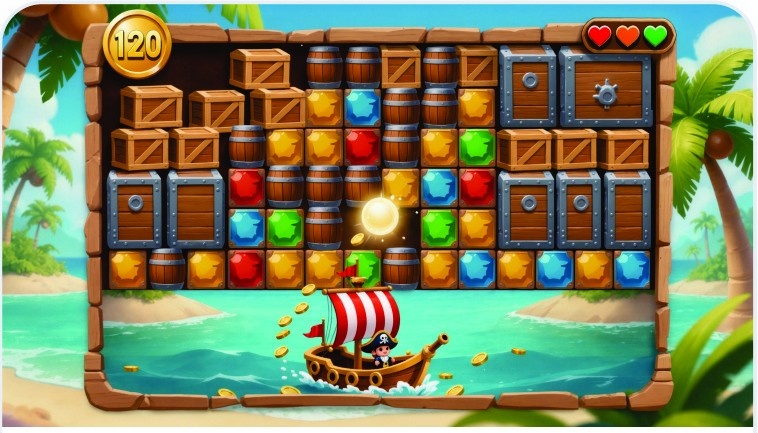 8–10 節8–10 sessions
設計擋板、球、磚塊、道具和關卡布局,再指示 AI 製作可與家人朋友分享的打磚塊遊戲。Design the paddle, ball, bricks, power-ups and level layouts, then guide AI to build a brick-breaker game to share.
探索課程Explore course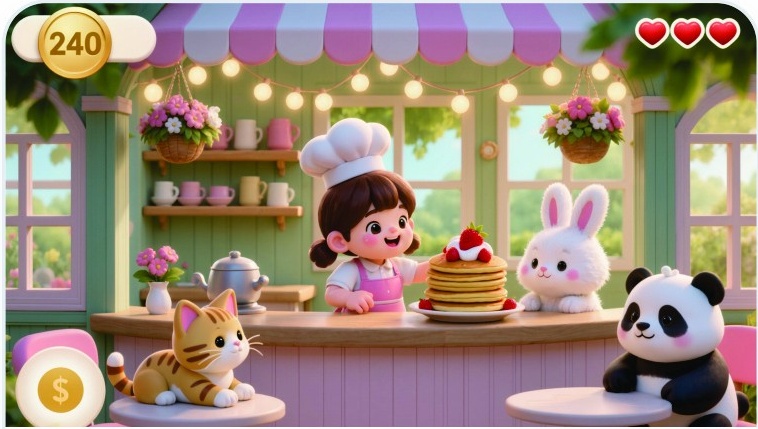 8–10 節8–10 sessions
設計餐廳、菜單、食譜和客人,再運用 AI 製作包含接食材和煮菜兩個小遊戲的作品。Design a café, menu, recipes and customers, then use AI to build two connected mini-games: catching ingredients and cooking.
探索課程Explore course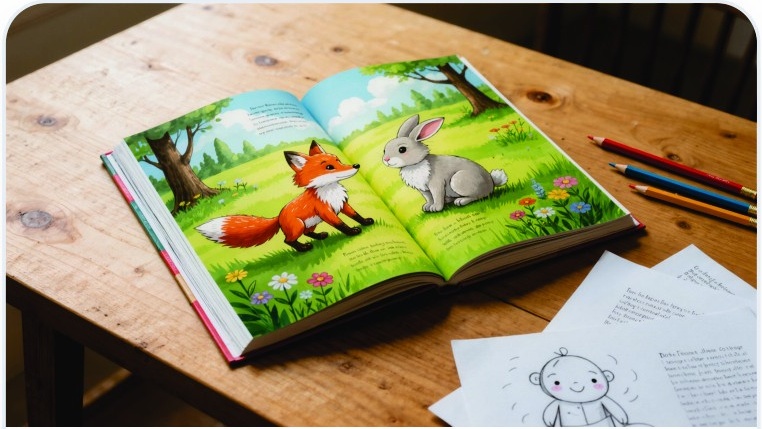 6 節6 sessions
創作原創故事、規劃每一頁並設計角色,再運用 AI 製作風格一致的插圖,把文字和圖像結合成完整繪本。Write an original story, plan each page and design characters, then use AI to create consistent illustrations for a complete picture book.
探索課程Explore course 8 節8 sessions
選擇興趣、作品或理念作為主題,規劃內容和版面,再運用 AI 協助撰寫、設計及發布可分享的網站。Choose a topic—a hobby, portfolio or idea—plan content and layout, then use AI to help write, design and publish a shareable website.
探索課程Explore course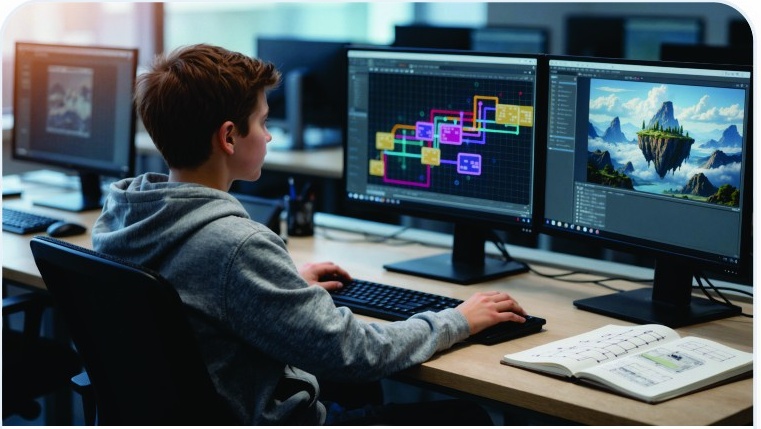 6 節6 sessions
透過連接視覺化節點建立 AI 影像工作流程,了解每個步驟如何影響結果,並儲存可調整、可重用的流程。Connect visual nodes to build an AI image workflow, explore how each step affects the result and save a workflow to adapt and reuse.
探索課程Explore course